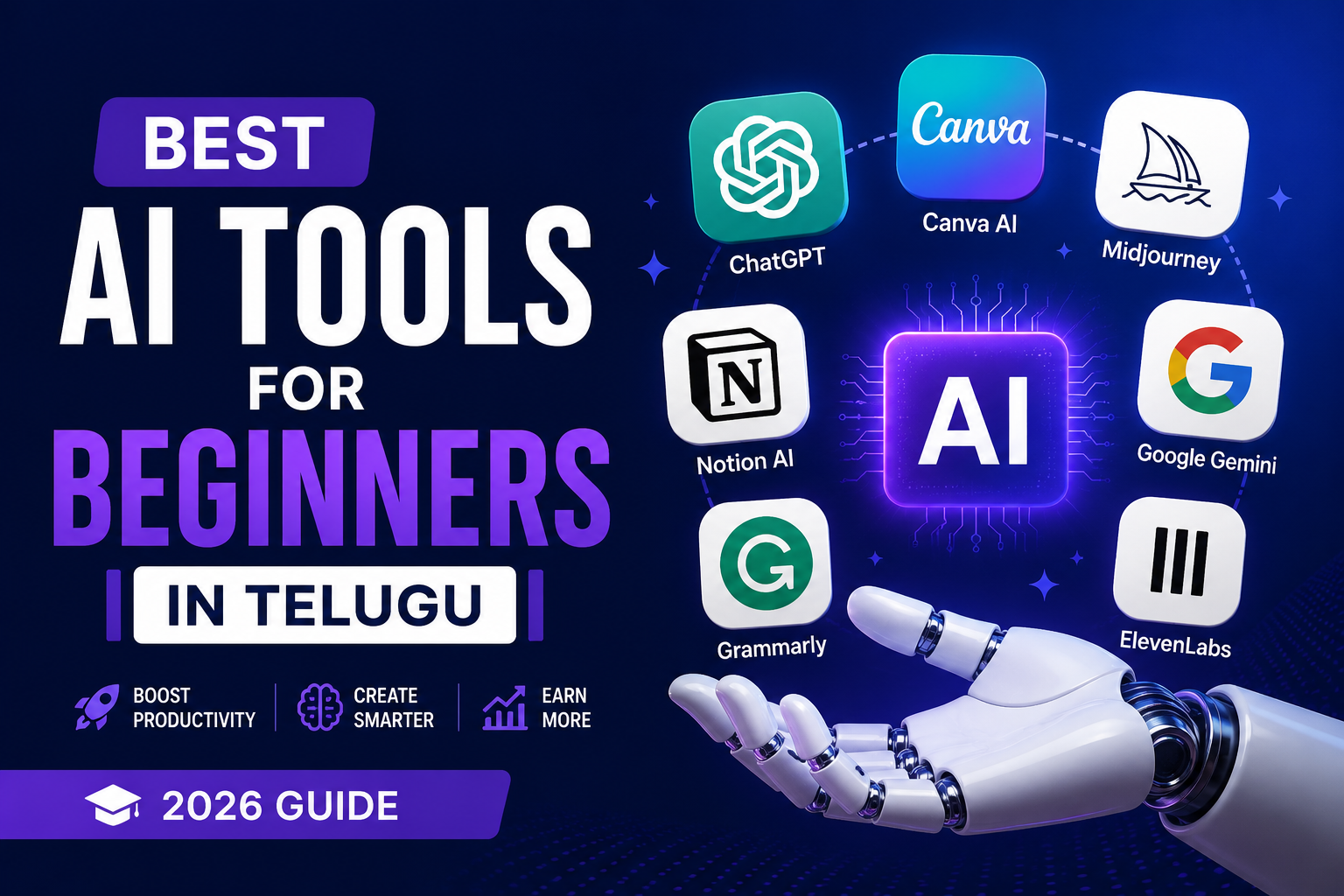
Artificial Intelligence tools have become incredibly powerful, accessible, and useful in 2026. Whether you are a student, freelancer, content creator, business owner, or marketing professional, AI tools can save you hours of work every single day.
The best part? Many AI tools are now beginner-friendly and require no coding knowledge to use. From writing content and designing graphics to automating tasks and editing videos, AI tools are helping Telugu learners work smarter, faster, and more efficiently.
In this guide, we’ll explore the best AI tools for beginners in Telugu and explain how you can start using them immediately.
Why Learning AI Tools is the Most Important Skill in 2026
AI is no longer the future — it is the present. Businesses, creators, and professionals across every industry now use AI tools to improve productivity and reduce repetitive work.
Whether you want to:
- Start freelancing
- Grow your business
- Learn digital marketing
- Create YouTube content
- Build automation workflows
- Improve productivity
AI tools can help you achieve faster results with less effort.
For Telugu learners, understanding AI tools in simple language makes learning much easier and practical.
1. ChatGPT — The Most Powerful AI Writing Assistant
ChatGPT by OpenAI is one of the most popular AI tools in the world. It helps users generate content, answer questions, summarize text, create scripts, write emails, generate business ideas, and much more.
Beginners can use ChatGPT for:
Writing blog posts
Creating YouTube scripts
Generating social media captions
Learning coding concepts
Research and brainstorming
Business productivity
Everything You Can Do with ChatGPT
- Write blog articles and SEO content
- Generate social media captions
- Create YouTube scripts
- Improve grammar and writing
- Translate English to Telugu
- Generate business ideas
- Learn coding concepts
- Draft emails and proposals
2. Canva AI — Professional Design Without Any Design Skills
Canva AI helps beginners create beautiful social media posts, YouTube thumbnails, presentations, reels, resumes, and marketing graphics quickly.
Even users with no design experience can create professional visuals using Canva AI tools like:
Magic Design
AI image generation
Background remover
AI presentation maker
Key Canva AI Features
- AI-powered design suggestions
- Automatic social media resizing
- Presentation generation
- AI image creation
- Background remover
- Brand kit support
3. Midjourney — Stunning AI Image Generation
Midjourney is one of the best AI image generation tools for creating cinematic and realistic images from text prompts.
- Content creators, marketers, YouTubers, and designers use Midjourney for:
- Thumbnail creation
- Concept art
- Branding visuals
- Product mockups
- Social media graphics
4. Grammarly AI — Your Always-On Writing Assistant
Grammarly AI helps improve grammar, spelling, sentence clarity, and professional communication.
It is especially useful for:
- Students
- Bloggers
- Freelancers
- Email communication
- Resume writing
5. Notion AI — Your AI Productivity Hub
Notion AI combines notes, project management, task organization, and AI assistance into one platform.
You can use it for:
- Organizing work
- Creating content plans
- Managing clients
- Tracking goals
- Brainstorming ideas
6. Google Gemini — The Free AI Powerhouse
Google Gemini provides AI chat, research assistance, content generation, and productivity features integrated with Google services.
It works well with:
- Gmail
- Docs
- Sheets
- Google Search
7. ElevenLabs — AI Voice and Audio Generation
ElevenLabs helps users generate realistic AI voiceovers for YouTube videos, reels, podcasts, and audiobooks.
Popular uses:
- YouTube narration
- Podcast audio
- AI voice cloning
- Video dubbing
Common Mistakes Beginners Make with AI Tools
Many beginners try too many tools at once without understanding their actual workflow needs.
Avoid these mistakes:
- Copy-pasting AI content without editing
- Using too many AI tools simultaneously
- Ignoring SEO and originality
- Depending completely on automation
- Not learning prompt writing basics
Guidelines for Using AI Tools Effectively
- Start with 2–3 tools only
- Learn prompting basics
- Use AI to improve productivity
- Always edit AI-generated content
- Combine AI with human creativity
CONCLUSION
AI tools are transforming the way people work, learn, and earn online. Whether you are a student, freelancer, digital marketer, or entrepreneur, learning AI tools today can give you a major competitive advantage.
The best part is that you do not need advanced technical skills to start. By learning tools like ChatGPT, Canva AI, Midjourney, and Notion AI, Telugu learners can build future-ready digital skills and create new income opportunities.